By MechanicTap Team · Oct 7, 2026 · 10 min read
Mobile Mechanic Google Business Profile Category: What to Pick
Google has no mobile mechanic category, and the wrong pick or a visible home address can sink a new profile. Here are the categories to use, the service-area rules, and how to get verified.
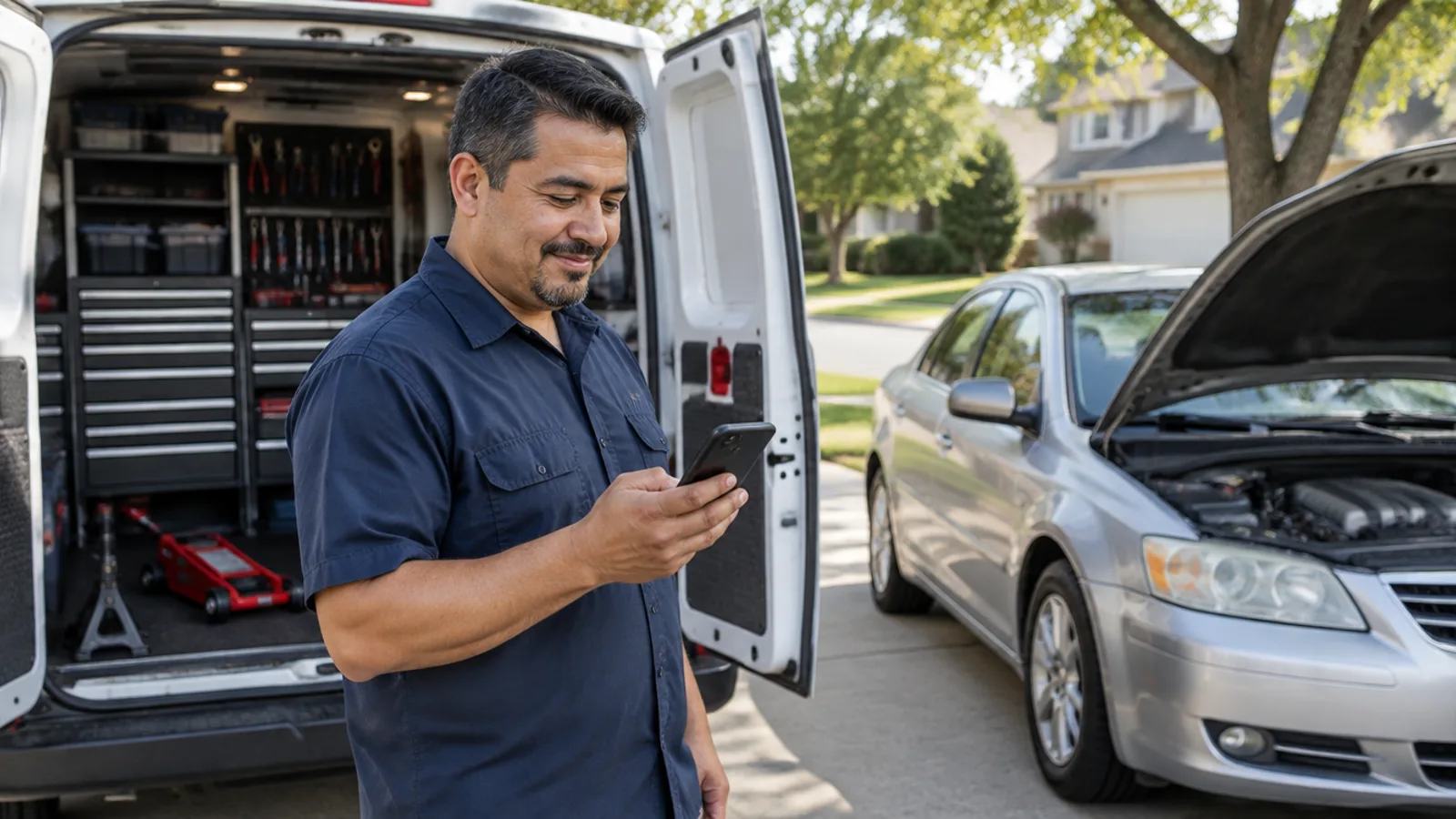
A mobile mechanic with no garage should set up a service-area Google Business Profile with the address hidden, choose "Car repair and maintenance service" or "Mechanic" as the primary category, and add only two to four secondary categories for work done every week, such as "Oil change service." Google has no "mobile mechanic" category and does not let businesses create their own, so the right pick is the closest category that completes the sentence "This business IS a...". Storefront categories like "Auto repair shop" fit only a signed, staffed garage that customers can drive to.
MechanicTap gives every mobile mechanic a booking page and link, free, that you can add as the booking link on your Google Business Profile, so a customer who finds you on Maps can send a request with photos, the VIN, and the car's location. On the Pro plan, MechanicTap also texts each customer about an hour after a paid job and asks for a Google review; you can compare what Free and Pro include.
What is the best Google Business Profile category for a mobile mechanic?
The best primary category for most mobile mechanics is "Car repair and maintenance service," with "Mechanic" as the close alternative. A Diamond Product Expert in Google's own Business Profile help community recommended "Car repair and maintenance service" when a mobile mechanic asked this exact question, and both names describe what the business is without implying a building customers visit.
Google's guidelines say to choose categories that are as specific as possible while still representing the main business, and to pick categories that complete the statement "This business IS a" rather than "This business HAS a." Google also says the categories you select affect your local ranking, so the primary category is the single most important setting on the profile.
| Category | Use it as | When it fits | Watch out for |
|---|---|---|---|
| Car repair and maintenance service | Primary | General repair and maintenance done at the customer's location | Nothing for a mobile-only business; the name describes a service, not a building |
| Mechanic | Primary or secondary | Diagnosis and repair across most systems | Only one category can be primary, so use the other one as a secondary |
| Oil change service | Secondary | Oil changes are a steady part of your week | Leave it off if you do a handful a year |
| Auto tune-up service | Secondary | Plugs, coils, filters, and maintenance packages | Only if you advertise maintenance work |
| Roadside assistance service | Secondary | You take jump-start, lockout, or flat-tire calls | Only if you answer roadside calls during your posted hours |
| Auto repair shop | Avoid unless you have a garage | A signed shop that is staffed and open to customers during posted hours | A mobile-only business has no storefront to show |
| Wheel alignment service | Avoid | Work that needs an alignment rack | Listing work you can't do in a driveway pulls in calls you have to turn away |
Category names change over time, so type each one into the category box and select it from the dropdown. Google says that if the specific category you want isn't available, you should select a more general one, because you can't create your own.
How many categories should a mobile mechanic choose?
A mobile mechanic should choose one primary category and two to four secondary categories that match work done every week. Google's guidelines say to use as few categories as possible to describe the core business and not to use categories solely as keywords.
- Google implicitly adds broader categories behind the scenes when you pick a specific one, so a redundant general category adds nothing.
- Secondary categories are for real departments or services, not for every job on your menu. The services list, covered below, is where individual jobs like brake pads or battery replacement belong.
- Google warns that adding or editing a category might trigger a new verification, so settle the categories before you verify instead of testing different ones every week.
Can a mobile mechanic use the Auto repair shop category?
A mobile mechanic without a garage that customers can visit should not use "Auto repair shop" as the primary category. Google describes a hybrid business as one like an auto repair shop that has a garage for repairs and also offers roadside service, and says a business location shown on the profile should be staffed and able to receive customers during its stated hours.
Google also says a business without permanent on-site signage is not eligible as a storefront and should be listed as a service-area business. On the Local Search Forum, a moderator answering a home-based repair business said a "shop" category would require keeping the address visible, and that showing it for a business that doesn't serve customers there breaks Google's guidelines.
Should a mobile mechanic hide their address on Google?
A mobile mechanic who doesn't serve customers at a garage should hide the business address, because Google's guidelines say a service-area business should hide its address from customers. Google's own example is a plumber who runs the business from a residential address and should clear that address from the profile.
- Hiding the address keeps a home address off Maps, while the service area tells customers where you work.
- Post office boxes and mailboxes at remote locations are not acceptable addresses under Google's guidelines.
- A service-area business can have only one profile for the whole area it serves, so a second profile for the next town over is against the rules.
How do I set the service area for a mobile mechanic profile?
A mobile mechanic should add up to 20 cities or ZIP codes that they actually drive to, keeping the whole area within about 2 hours of driving from where the business is based. Google no longer allows a service area drawn as a radius around your location, so you pick named areas instead.
- 1Open your Business Profile, select Edit profile, then Location.
- 2Next to Service area, select Edit.
- 3Add the cities or ZIP codes where you take jobs, starting with the ones closest to home.
- 4Select Save. Google says approved service-area edits can take up to 48 hours to show.
Match the Google service area to the area you actually quote. If your booking page says you come to customers within 25 miles, a service area stretching 90 minutes out sets up calls you will turn down. Distance from the searcher is one of Google's three main ranking factors, so expect most of your Maps visibility close to your base no matter how many towns you list.
What should a mobile mechanic name the profile and write in the description?
A mobile mechanic should use the real business name with no added keywords and write a description under 750 characters that says the business comes to the customer. Google's name rules ban service or product information in the name, and Google lists "Midas Auto Service Experts" as an example of a name that is not acceptable.
- Adding "Mobile Mechanic Near Me" or a city to a name that isn't on your paperwork risks a suspension, because Google says unnecessary information in the name can get a Business Profile suspended.
- Legal terms like LLC can appear in the name only with real-world proof, such as signage, business cards, or invoices that consistently show it.
- The description field takes up to 750 characters, cannot include URLs or HTML, and should focus on the business instead of promotions, prices, or sales.
How does a mobile mechanic verify a Google Business Profile?
Google lets a service-area business verify with a video that is unedited, recorded in one continuous take, at least 30 seconds long, and recorded and uploaded from a phone through the Business Profile. Google's requirements for service-area businesses ask the video to show where the business operates, the tools of the trade, and proof that you manage the business.
- 1Start outside where your business is based and film a street sign or nearby landmark to confirm the location.
- 2Walk to the van and film your tools and equipment: scan tool, jack, tool drawers, parts bins.
- 3Unlock the van on camera, especially if it has your business lettering.
- 4Show a business document whose name matches the profile, such as a business permit, an invoice, or a utility bill.
- 5Keep filming without cuts until you pass 30 seconds, then upload from the Business Profile on the same phone.
If video verification isn't offered or is rejected, Google says to try the other verification options it shows you and to contact Google support if none work. For the paperwork side of a new business, such as a business license and an assumed-name filing that matches your Google name, see How to Start a Mobile Mechanic Business.
What else helps a mobile mechanic show up on Google Maps?
After categories, reviews do the most work, because Google ranks local results mainly on relevance, distance, and prominence, and says more reviews and positive ratings can help local ranking. Google also says there is no way to request or pay for a better local ranking.
Customers read those reviews. BrightLocal's 2026 Local Consumer Review Survey found that 97% of consumers read reviews for local businesses, 74% seek reviews written in the last three months, and 31% will only use a business rated 4.5 stars or higher. A steady stream of recent reviews matters more than a big batch from your first month.
- Google's Maps content policy bans offering payment, discounts, or free services in exchange for a review.
- Google does not allow a business to discourage negative reviews or to selectively ask only happy customers for reviews.
- Google says a business should not pressure customers to leave a rating while on the premises or ask for specific content in the review.
- Custom services on the profile are automatically rejected if the service name includes prices, phone numbers, profanity, or personal information, so name them plainly, like "Brake pad and rotor replacement."
- A Business Profile can carry booking links, and Google allows up to 10 links per link category, so put your booking page in the Booking section.

MechanicTap handles the review ask without breaking Google's rules: on Pro, every customer gets a text about an hour after a paid job, and every customer, whatever they rate, gets a button to post on your Google page. On Free, you can share your review link by hand, and the booking page link works on either plan; the full feature list shows what each screen does.

Whatever link you add, it should open a page where the customer can actually request the job. For what that page should ask for, read Best Booking App for Mobile Mechanics: What to Look For.
Frequently asked questions
Is there a mobile mechanic category on Google Business Profile?
Google Business Profile has no "mobile mechanic" category, and Google does not let businesses create their own categories. Mobile mechanics usually choose "Car repair and maintenance service" or "Mechanic" and set up the profile as a service-area business with the address hidden.
Can a mobile mechanic have more than one Google Business Profile?
A service-area business can have only one Business Profile for the whole area it serves. Separate profiles for nearby cities break Google's guidelines and put every profile at risk.
Can a mobile mechanic use a PO box on Google Business Profile?
Google does not accept post office boxes or mailboxes at remote locations as a business address. A mobile mechanic enters the real address the business runs from and then hides it from public view.
Will changing my Google Business Profile category hurt my ranking?
Changing a Google Business Profile category can change local ranking, because Google says categories affect local ranking, and the edit might trigger a new verification. Change a category only when the new one describes the business more accurately.
Can a mobile mechanic ask customers for Google reviews?
A mobile mechanic can ask every customer for a Google review, but Google bans offering discounts or free services for reviews and bans asking only happy customers. Ask every customer the same way, after the job is done and paid.
Sources
- 1.Guidelines for representing your business on Google (Google Business Profile Help)
- 2.Manage your business category (Google Business Profile Help)
- 3.Manage your service areas for service-area and hybrid businesses (Google Business Profile Help)
- 4.Edit your Business Profile (Google Business Profile Help)
- 5.Verify your business with a video recording (Google Business Profile Help)
- 6.Verify your business on Google (Google Business Profile Help)
- 7.Tips to improve your local ranking on Google (Google Business Profile Help)
- 8.Prohibited and restricted content (Maps User Generated Content Policy)
- 9.Manage your services on your Business Profile (Google Business Profile Help)
- 10.Manage your local business links (Google Business Profile Help)
- 11.Category for mobile mechanic (Google Business Profile Community)
- 12.Google Business Profile for a home-based repair business (Local Search Forum)
- 13.Local Consumer Review Survey 2026 (BrightLocal)
This guide is general information, not legal, tax, or insurance advice. Rules vary by state and city, so check with your state, a tax professional, or a licensed agent before you decide.