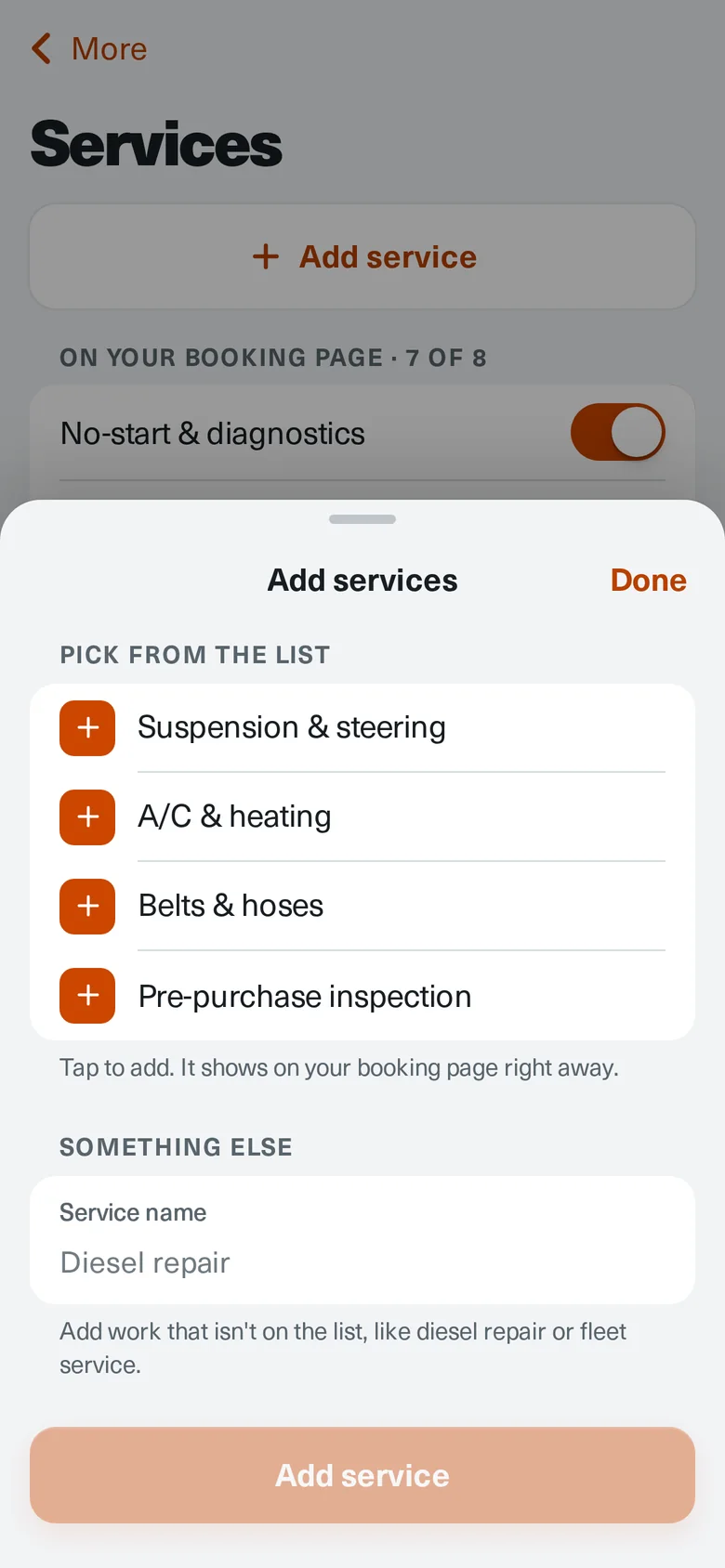
Show the work you do.
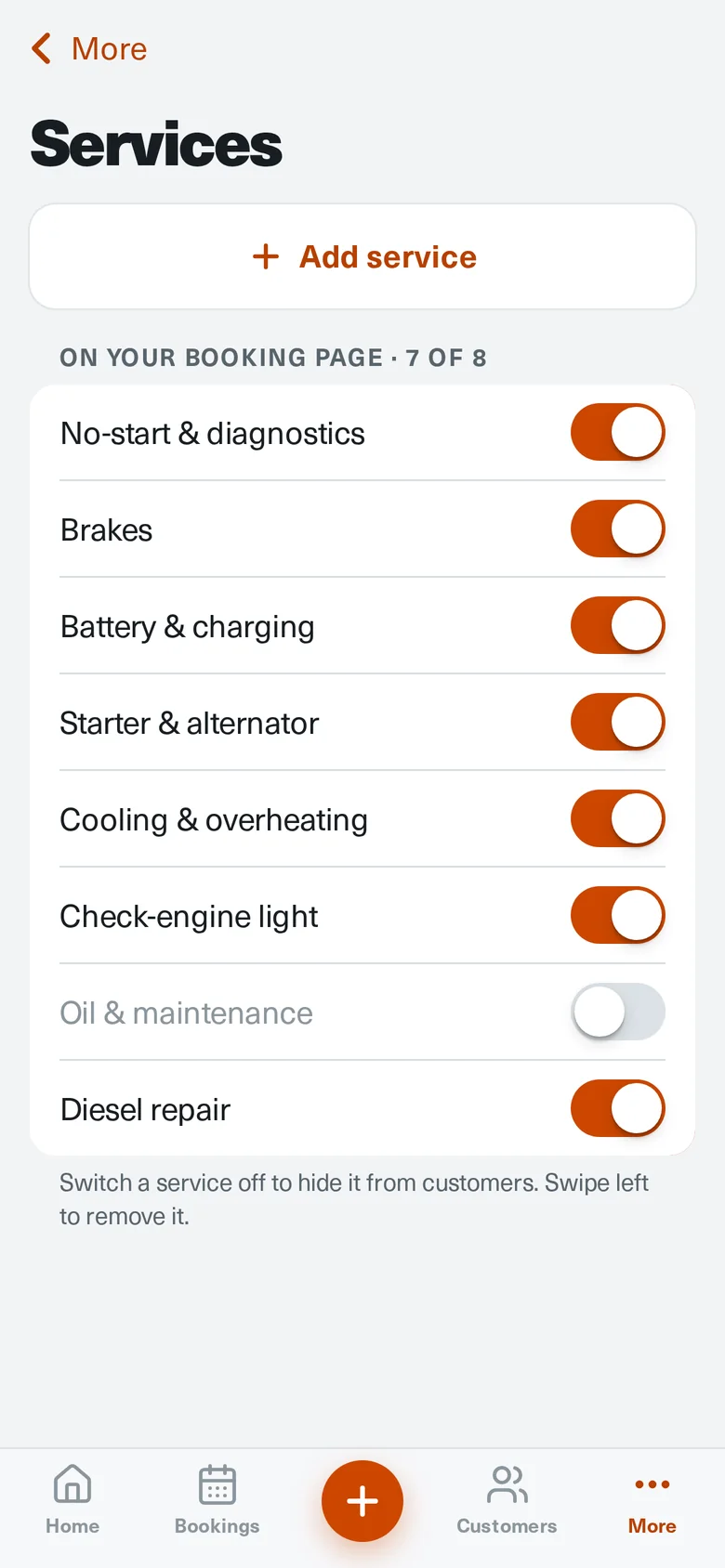
Pick brakes, no-starts, cooling, and more from the list, add anything that isn't on it, and switch a service off when you're not taking that work.
Loading MechanicTap
MechanicTap turns leads into paid mobile‑mechanic jobs. One link collects the vehicle, symptoms, photos, location, and a time that works. You quote it, and the customer approves and pays a deposit from their phone.
Your linkmechanictap.com/book/your-shop
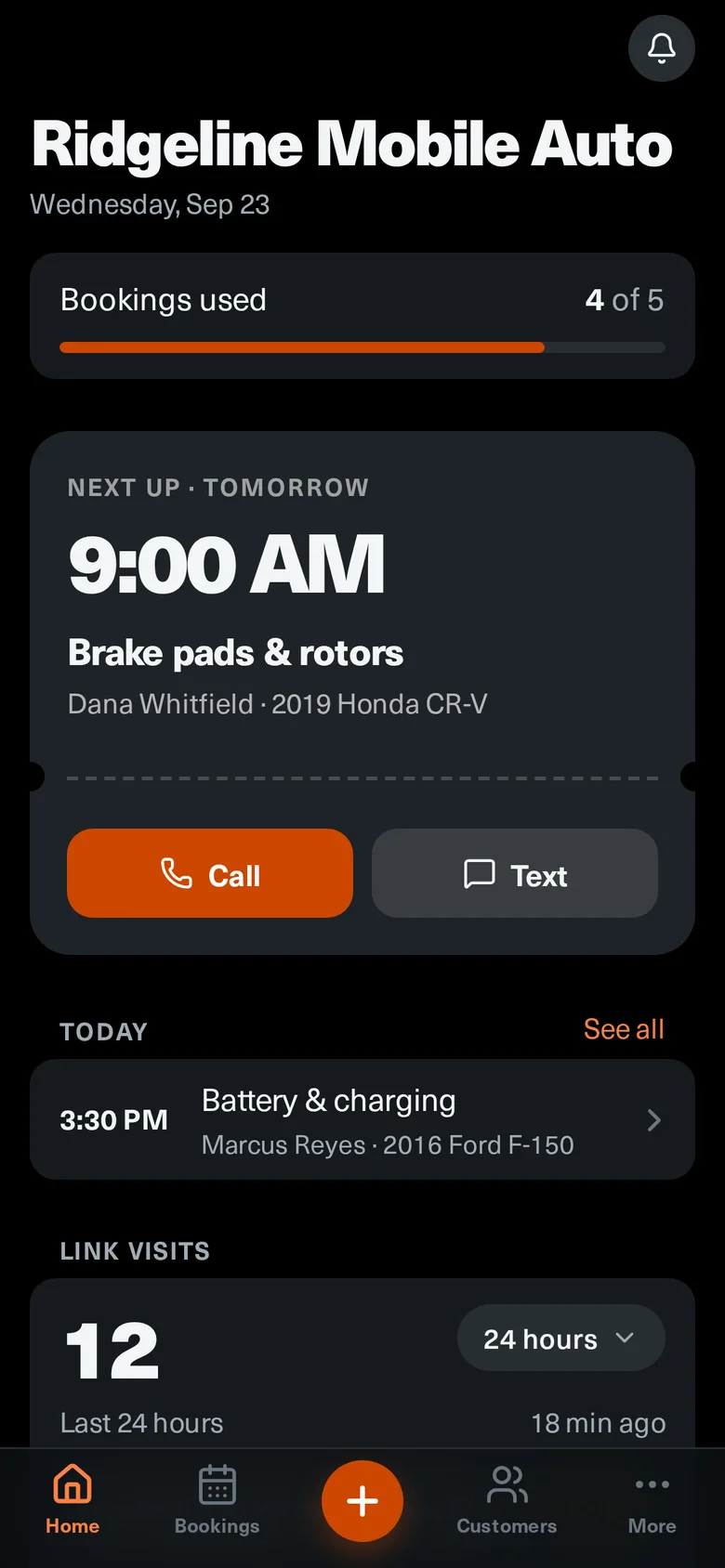
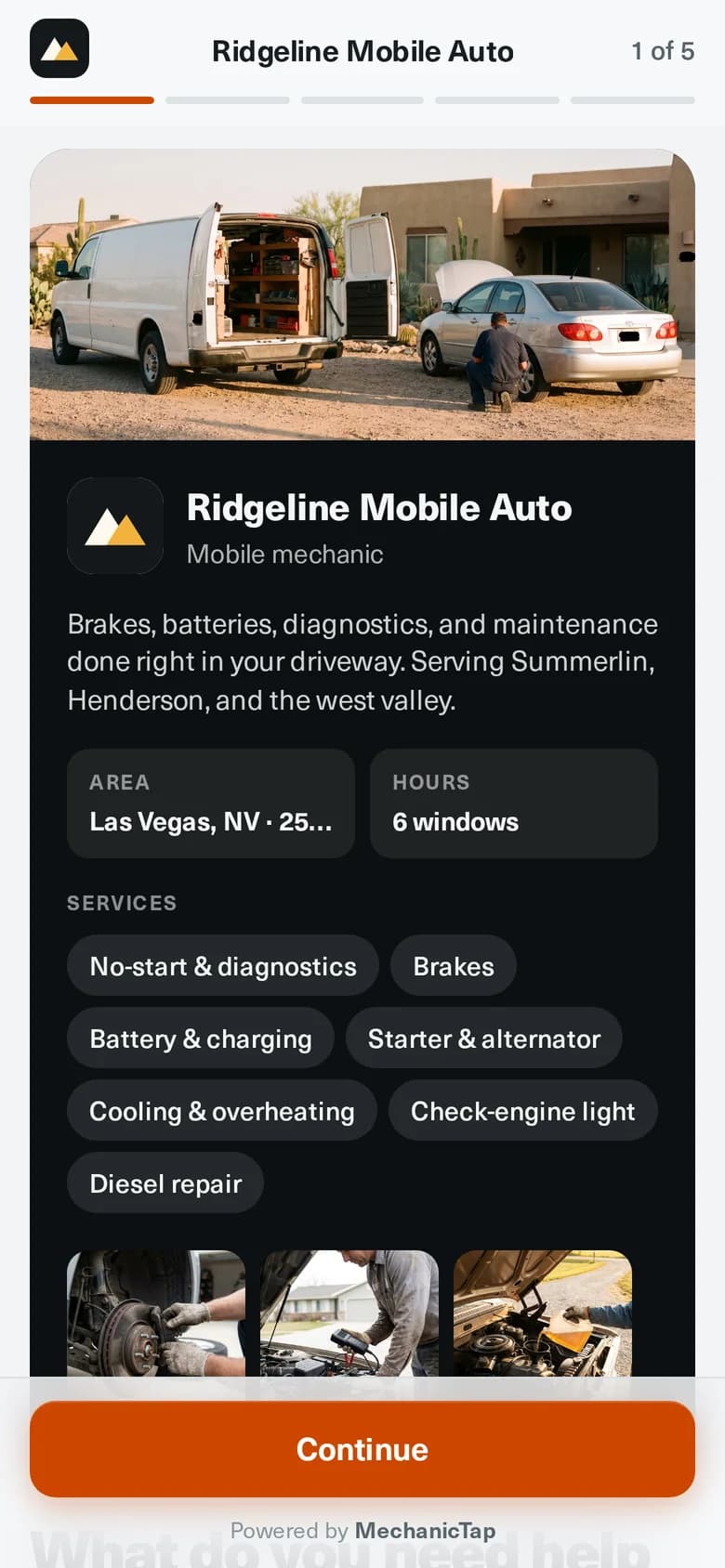
Real app screens. Example business and customers.
Every place a lead shows up gets the same front door, so you stop retyping the same five questions.
Your logo, a cover photo of your rig, a gallery of real work, the services you offer, and the hours you actually take jobs.
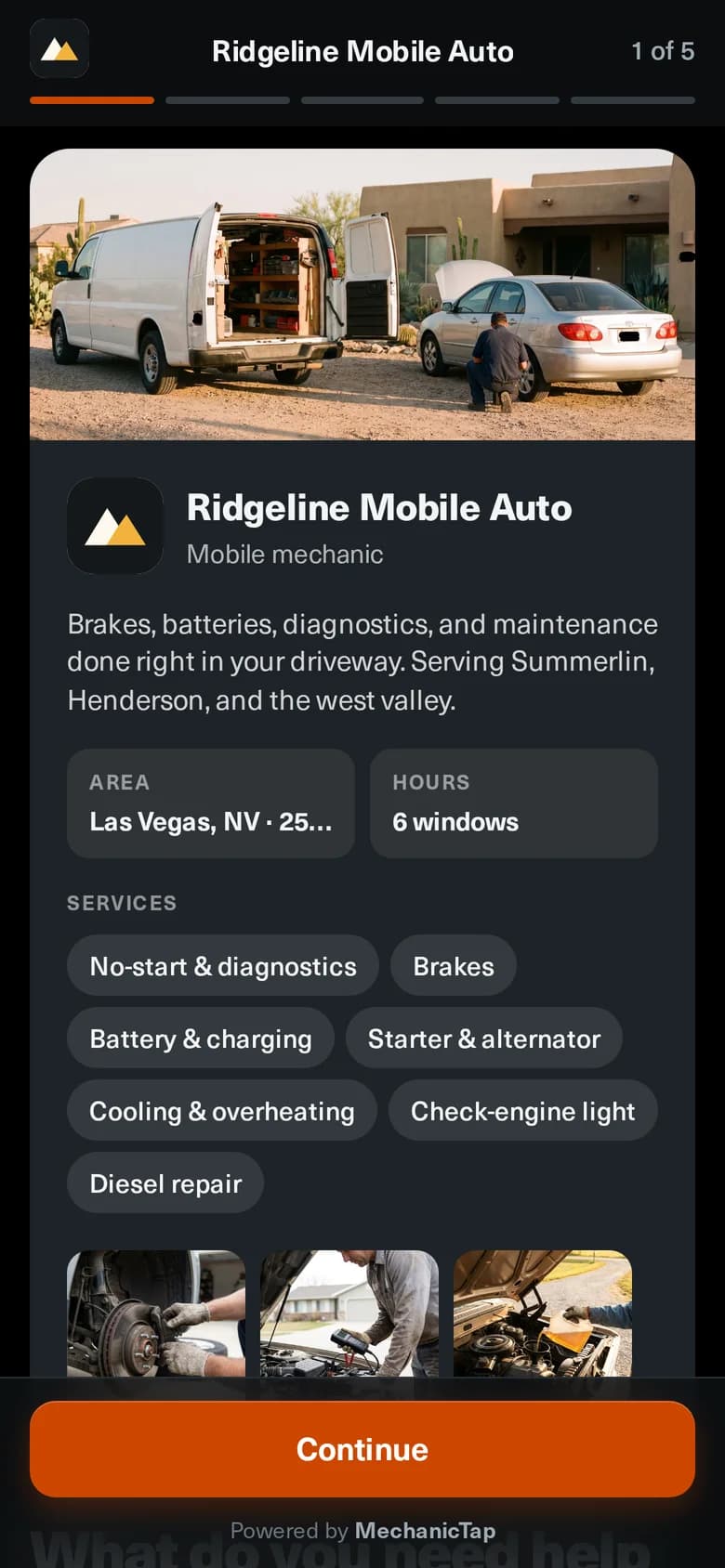
Five steps from lead to paid job. Four of them are the customer's. Tap a step to see the screen.
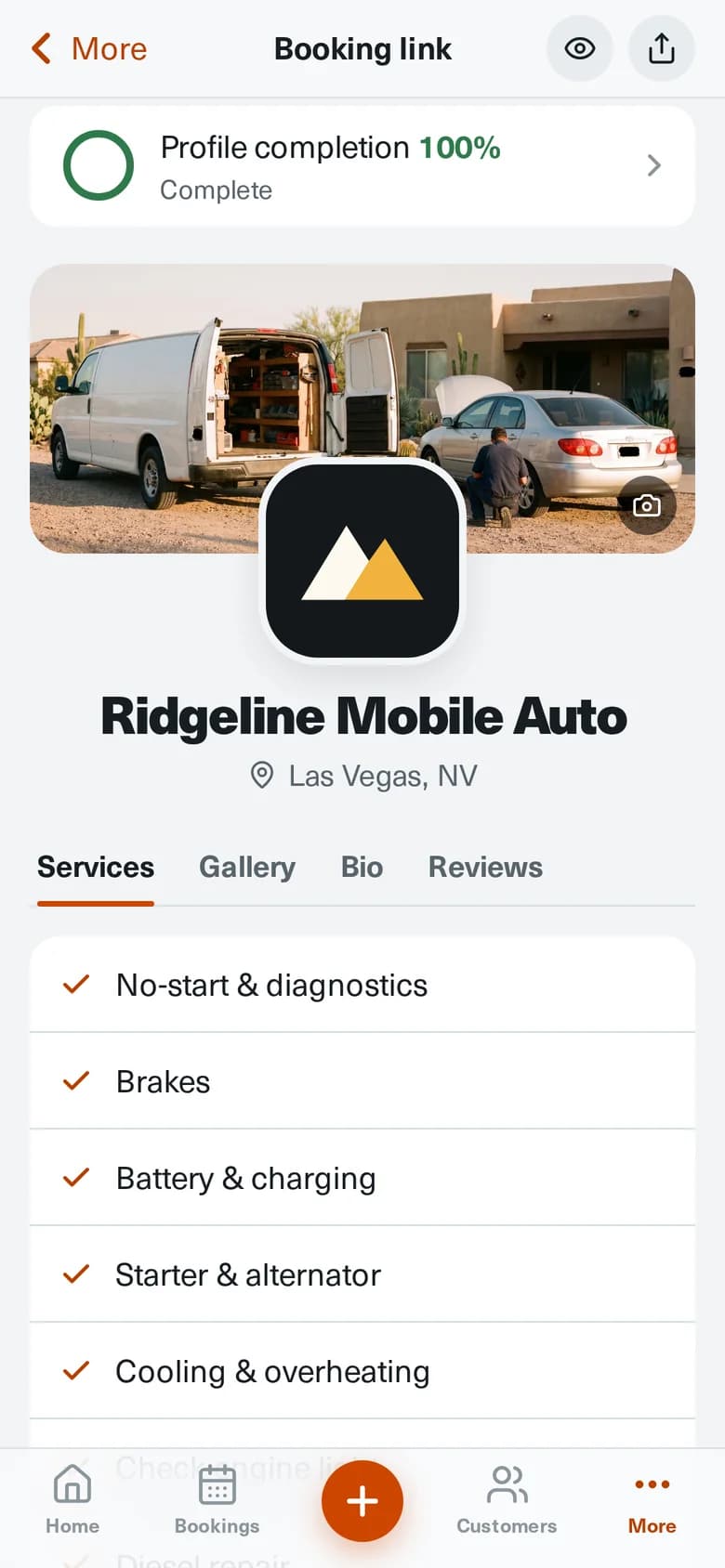
Pick brakes, no-starts, cooling, and more from the list, add anything that isn't on it, and switch a service off when you're not taking that work.
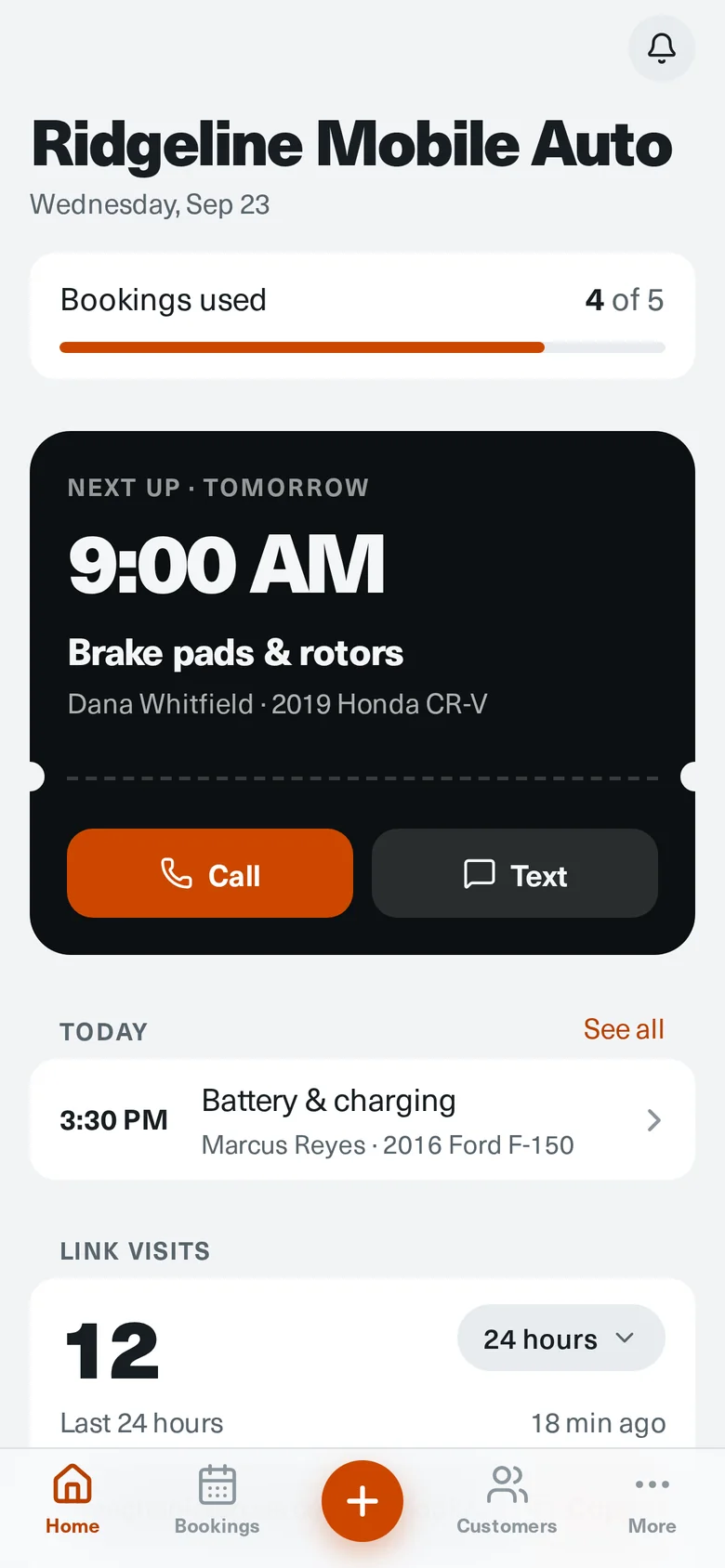
Link visits for the last 24 hours, 7 days, or 30 days, right on your home screen.
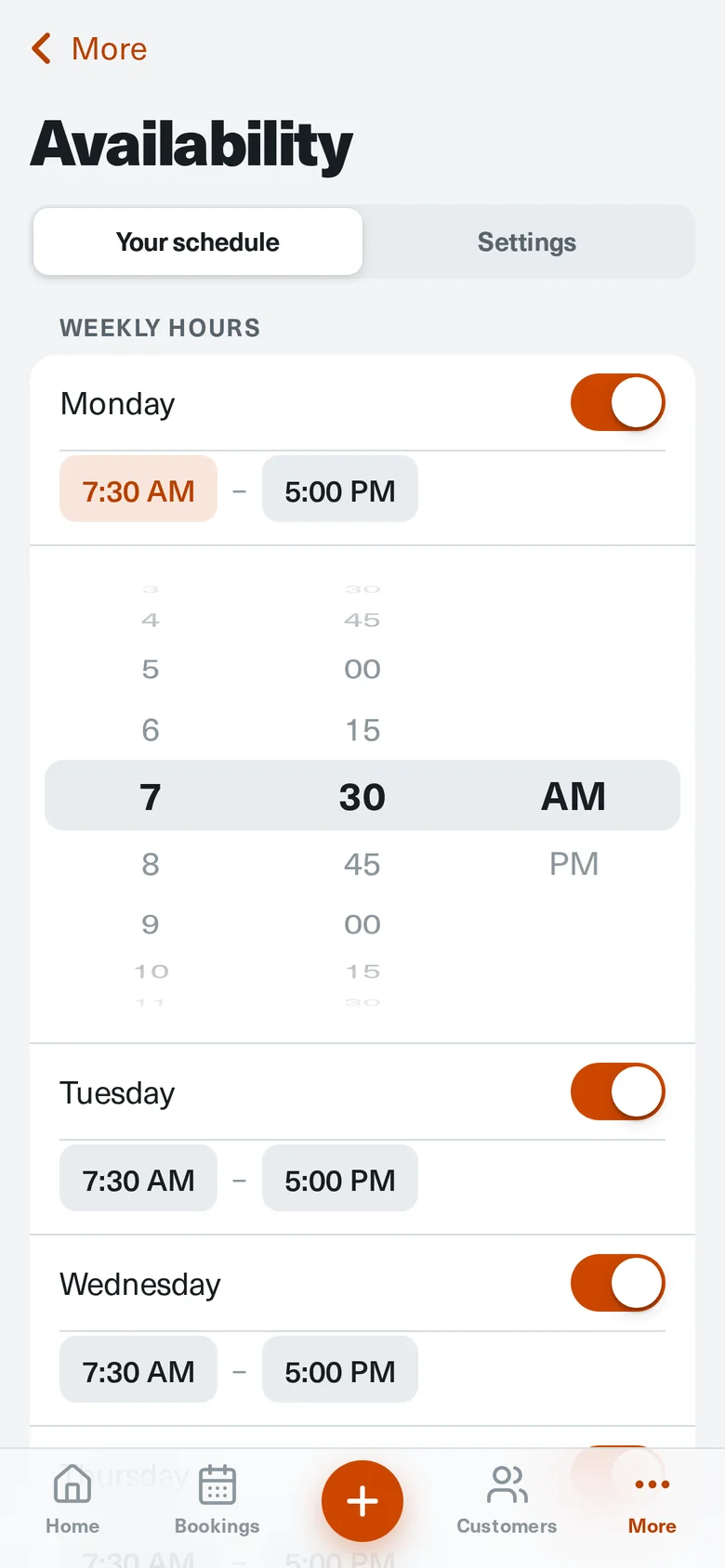
Scroll to the time like an alarm clock. Customers only see days inside the hours you work.
Send a review request after the job. When a customer leaves one, they get a button that copies their words and opens your Google Business Profile, so posting takes one tap.
What your customer sees after they review:
Copy review & open Google
Readable in full sun on a driveway and easy on the eyes at 6 a.m.

MechanicTap is the front door that turns leads into paid jobs for a mobile operation. It sits beside the tools you already use instead of trying to replace all of them.
How most mobile jobs still get booked.
One link that asks the right questions for you.
Setup, customer requests, and staying in control of your schedule.
Create your account, add your business details, and leave with a booking page ready to share when you are.
Create your booking pageAlready set up? Sign in