By MechanicTap Team · Oct 28, 2026 · 9 min read
How to Get More Google Reviews as a Mobile Mechanic
Ask every customer, send the direct link by text, and stay inside Google's rules and the FTC's. Copy-paste texts, a reply template for bad reviews, and a plan for your first 20 reviews.
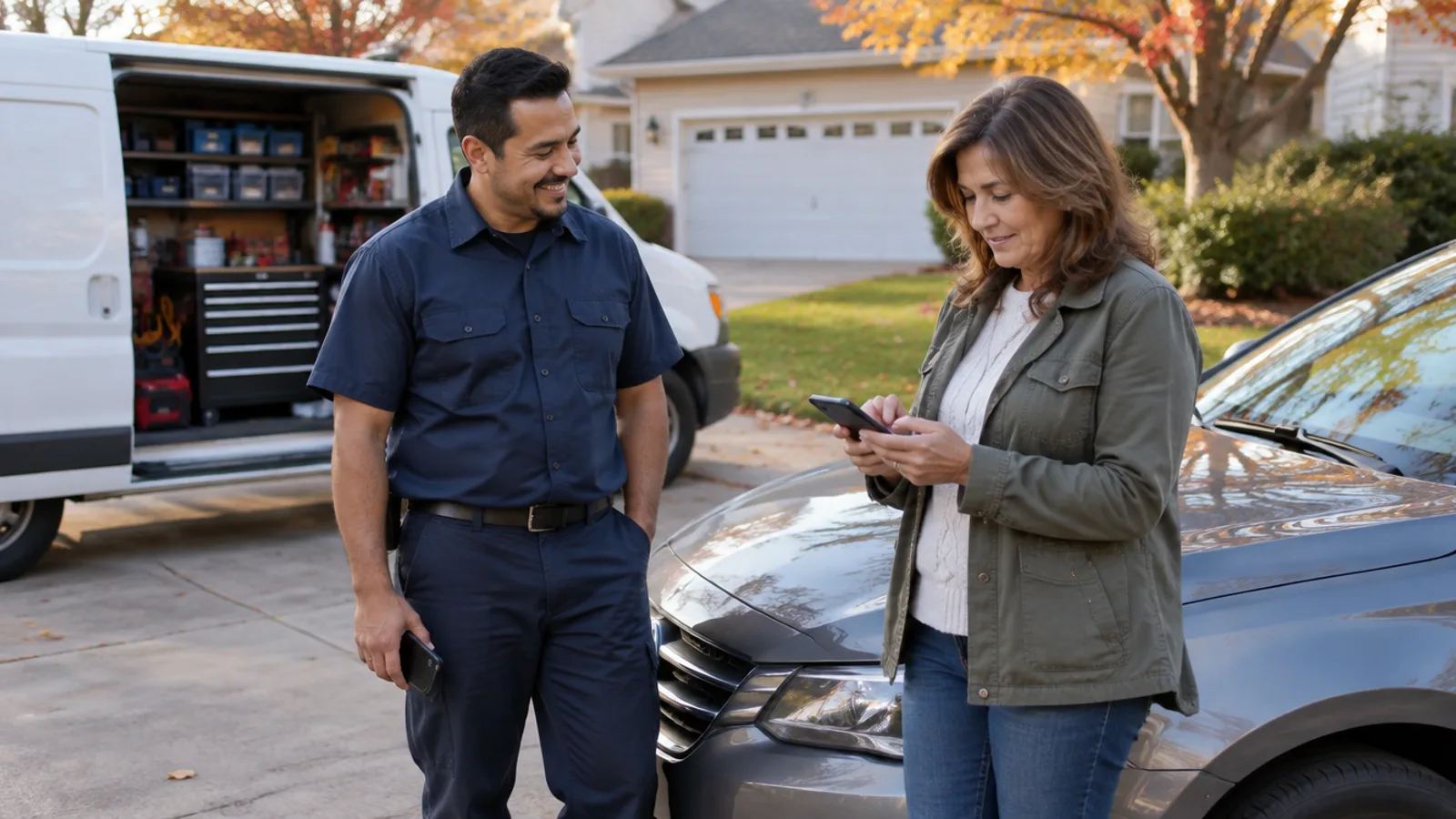
The way a mobile mechanic gets more Google reviews is to ask every paying customer, every time, and text them the direct Google review link before driving to the next job. Google allows businesses to ask for reviews, but Google bans offering discounts or anything else in exchange and bans asking only the customers you think are happy. BrightLocal's 2026 survey found 78% of consumers were asked to write a review in the past year, so a polite ask is normal.
MechanicTap's Pro plan texts each customer about an hour after a paid job, and every customer, whatever they rate, gets a button to post a review on your Google page; those reviews also show on your MechanicTap booking page. On the Free plan you can copy your review link and send it by hand, and the pricing page shows what each plan includes.
Is it OK to ask customers for Google reviews?
Yes, Google allows a business to ask customers for reviews and even gives every Business Profile a review link and QR code for that purpose. Google's Maps content policy draws the line at incentives, selective asking, pressure, and conflicts of interest:
- Google bans offering payment, discounts, or free goods or services in exchange for posting a review, changing a review, or removing a negative review.
- Google bans discouraging negative reviews and bans selectively soliciting positive reviews, the practice often called review gating.
- Google says a business should not require or pressure customers to leave a review while on the premises, and should not ask for specific content in the review.
- Google removes reviews based on a conflict of interest, which includes current or former employees, competitors, and family relationships.
- Google bans a business from telling staff to collect a certain number of reviews or reviews that mention a staff member.
For a mobile mechanic, the customer's driveway is the closest thing to premises. Ask once in plain words, send the link, and leave. Standing over a customer until they post is the kind of pressure Google tells businesses to avoid.
What happens if you break Google's review rules?
Google removes reviews that break its fake engagement policy and can also restrict the Business Profile: blocking new reviews for a set period, unpublishing existing reviews for a set period, or showing customers a warning that fake reviews were removed.
Federal law applies too. The FTC's Rule on the Use of Consumer Reviews and Testimonials took effect on October 21, 2024, and lets courts impose civil penalties for knowing violations. The rule bans fake reviews, incentives conditioned on a positive or negative review, certain undisclosed reviews by a company's officers and managers, and unfounded legal threats or intimidation used to get a negative review removed. When the FTC published the final rule, the maximum civil penalty was $51,744 per violation, though courts weigh statutory factors and can set much less.
| Tactic | Google policy | FTC rule | Verdict |
|---|---|---|---|
| Asking every customer for a Google review | Allowed; Google provides a review link and QR code | Allowed | Do it every job |
| Offering $10 off the next oil change for a review | Banned as fake engagement, even with no star rating required | Allowed only if not tied to a positive review and disclosed | Don't: Google still bans it |
| Texting the review link only to customers who said they were happy | Banned as selectively soliciting positive reviews | Not a specific rule violation, but the FTC Endorsement Guides warn against distorting what consumers think | Don't |
| A spouse or friend posting a 5-star review | Removed as a conflict of interest | Allowed only with a clear disclosure of the relationship | Don't |
| Buying reviews from a review seller | Banned as fake engagement | Banned | Never |
| Threatening a lawsuit to get a bad review taken down | Not a removal reason; report only policy violations | Banned when the threat is unfounded | Never |
When should a mobile mechanic ask for a review?
Ask right after the customer has paid and the car is running, then text the link before you reach the next job. A text that arrives while the customer still remembers the repair is easier to act on than one that shows up a week later.
Recency counts with customers. BrightLocal's 2026 Local Consumer Review Survey found 74% of consumers only care about reviews written in the last three months, so a steady trickle from every job beats a burst in your first month followed by silence.
- 1Get your review link: on a computer, open your Business Profile, select Read reviews, then Get more reviews, and copy the link. Google currently generates review QR codes only in a computer browser, so download the QR code there too.
- 2Save the review link as a text shortcut on your phone or in your booking software, so sending the review link takes one tap.
- 3Before packing up, walk the customer through what you did and show the old part when it helps.
- 4Collect payment before asking for a review, so the review request never feels like part of the bill.
- 5Ask once in person, in plain words, and say you will text the link.
- 6Send the review text before you start driving to the next job.
- 7Reply to the review once it posts.

MechanicTap keeps the Google review link saved on the Reviews screen, so the link is one tap away on either plan. On Pro, the automatic review text goes out after each paid job without you remembering to send it. See how review requests work.
What should a review request text say?
A review request text should name the customer and the job, include the direct Google review link, and ask once without mentioning stars or offering anything in return. Swap in your own names and paste your link where it says [link].
- Same day: Hi Dana, this is Chris with Ridgeline Mobile Auto. Thanks for having me out to do the brakes on your RAV4 today. If you have a minute, a Google review helps people nearby find a mobile mechanic they can trust: [link]
- Next-day reminder, sent only if there was no reply: Hi Dana, Chris again. In case yesterday got busy, here is the review link: [link]. Either way, thanks for the work.
- In person, while packing up: I'm a one-person business and most new customers find me on Google. Would you be willing to write a quick review about today? I'll text you the link so it's easy.
- Repeat customer who never reviewed: Thanks for calling me again for the Civic. If you never got around to it, here is my Google review link: [link]
- Receipt or invoice footer: Thanks for choosing us. Reviews help a small mobile repair business get found. Leave one on Google: [link]
How many Google reviews does a mobile mechanic need?
Aim for 20 Google reviews as the first milestone, because BrightLocal's 2026 Local Consumer Review Survey found 47% of consumers won't use a business with fewer than 20 reviews. The same survey found 97% of consumers read reviews for local businesses and 31% will only use a business rated 4.5 stars or higher.
Reviews also feed local ranking. Google says local results are mainly based on relevance, distance, and popularity, and that more reviews and positive ratings can help a business's local ranking. Google also says there is no way to request or pay for a better local ranking. Reviews work only if the profile itself is set up right, so check what the best Google Business Profile category for a mobile mechanic is before chasing review counts.
A plan for the first 20 reviews
- Text the review link once to every customer from the last few months who has not reviewed yet, since the request is just as allowed for past jobs as for today's job.
- Put the review link on every receipt and in every thank-you text, two places Google itself suggests for review links.
- Print the Google review QR code on a small card and leave the card with the invoice; Google suggests printing and displaying the review QR code.
- Add every service you offer to the Business Profile, because Google may ask a reviewer of a service business to pick the service from that list, and the pick shows on written reviews.
- Skip friends and family, because Google removes reviews based on a family relationship as a conflict of interest.
Should a mobile mechanic ask for Yelp reviews too?
No, a mobile mechanic should not ask customers for Yelp reviews, because Yelp's policy tells businesses not to ask anyone, including customers, friends, and family, to review them. Yelp says its automated software may not recommend reviews that seem prompted by the business, and Yelp can post a Consumer Alert pop-up on a business page that offers freebies, discounts, or payment for reviews.
Google is still the main place to send customers. BrightLocal's 2026 survey found 45% of consumers wrote a Google review in the past year, ahead of Facebook at 34% and Yelp at 24%. The same survey found Google's share as a place to read reviews fell from 83% in 2025 to 71% in 2026, and the average consumer now uses six review sites, so keep your Yelp, Facebook, and Apple Maps listings accurate even though the ask goes to Google.
How should a mobile mechanic reply to a bad Google review?
Reply to a bad Google review briefly and politely, state the facts without arguing, offer to settle it by phone, and never post the customer's personal details. Google's own reply tips say to protect privacy, be honest about limits, apologize when appropriate, address the reviewer by name, and respond promptly.
- Only a verified business can reply to Google reviews from the Business Profile.
- Google checks each reply against its content policies; a reply usually takes up to 10 minutes to post and sometimes up to 30 days.
- Google notifies the reviewer when you reply, and the reviewer can still change the review afterward.
- Google removes a reported review only when the review breaks Google's policies, not because the business disagrees; evaluation typically takes several days, and a business gets one appeal.
- Under the FTC rule, using unfounded legal threats or intimidation to get a negative review removed is illegal.
When a bad review comes out of a payment dispute, settle the money first, in writing, and keep the review reply calm; the steps are in What to Do When a Customer Won't Pay a Mobile Mechanic.
Frequently asked questions
Can a mobile mechanic offer a discount for a Google review?
No, Google bans offering discounts, payment, or free services in exchange for a review, even when the customer can leave any rating. The FTC rule allows some incentives that are not tied to a positive review and are disclosed, but a discount for a review still breaks Google's policy.
Why did a customer's Google review disappear?
Google uses automated spam detection to remove reviews it identifies as spam, and Google says the system occasionally removes legitimate reviews by mistake. Sudden bursts of reviews and reviews from people with a conflict of interest are the patterns Google's policy calls out.
Does a customer need a Gmail address to leave a Google review?
A customer must be signed into a Google Account to leave a Google review, but the Google Account can be set up with a non-Gmail email address.
Can a mobile mechanic delete a bad Google review?
A business owner cannot delete a Google review. A business can report a review, and Google removes the review only if the review violates Google's content policies.
Can a mobile mechanic ask family members for Google reviews?
A mobile mechanic should not ask family members for Google reviews, because Google removes reviews based on family relationships as a conflict of interest. The FTC allows family reviews only with a clear disclosure, but Google's policy is stricter.
Sources
- 1.Create a Google link or QR code to request reviews (Google Business Profile Help)
- 2.Tips to get more reviews (Google Business Profile Help)
- 3.Manage customer reviews (Google Business Profile Help)
- 4.Prohibited and restricted content (Maps User Generated Content Policy)
- 5.Business Profile restrictions for policy violations (Google Business Profile Help)
- 6.Report inappropriate reviews on your Business Profile (Google Business Profile Help)
- 7.Tips to improve your local ranking on Google (Google Business Profile Help)
- 8.Federal Trade Commission Announces Final Rule Banning Fake Reviews and Testimonials (FTC)
- 9.The Consumer Reviews and Testimonials Rule: Questions and Answers (FTC)
- 10.Use of Consumer Reviews and Testimonials: Final Rule (FTC, Federal Register notice)
- 11.16 CFR 255.2, Consumer endorsements (FTC Endorsement Guides, eCFR)
- 12.Local Consumer Review Survey 2026 (BrightLocal)
- 13.Don't Ask for Reviews (Yelp for Business Support Center)
This guide is general information, not legal, tax, or insurance advice. Rules vary by state and city, so check with your state, a tax professional, or a licensed agent before you decide.